


The Render + Autonoma deploy-test-ship combination connects two pieces that most builder stacks are missing: a live, isolated app for every pull request (Render PR previews) and automated E2E tests that run against that app without any test-writing (Autonoma). Connect your repo to Render, enable PR previews, add a GitHub Actions step that calls the Autonoma API on each preview URL, and every PR gets deployed, tested, and validated before it touches main. No shared staging. No manual testing. No test scripts to write or maintain.
Let's admit it: "merge and hope" is not the strategy anyone wants, but that is what most teams end up doing. This oversight does not happen because they are careless, but because for teams shipping quickly, running end-to-end tests against every PR is a pain. So testing becomes something that happens in production, when a user hits the bug first.
Wouldn't it be great if this too was outsourced to AI? Yes, but how? With Render and Autonoma. If you didn't know, Render spins up a live environment for every PR, automatically. Autonoma runs E2E tests against that environment, without you writing test code. By the time you hit merge, your code has been deployed to a real server and tested by AI agents that read your codebase and know what to check.
Here is how to set it up.
Step 1: Connect Your Repo to Render
Render is built around the idea that deploying should feel like pushing code, not managing infrastructure. You connect a GitHub or GitLab repo, point Render at a branch, and it handles the rest: building, deploying, TLS, CDN, autoscaling.
The setup is minimal. Create a Web Service in the Render dashboard, connect your repo, and pick the branch you want as your main deployment target.
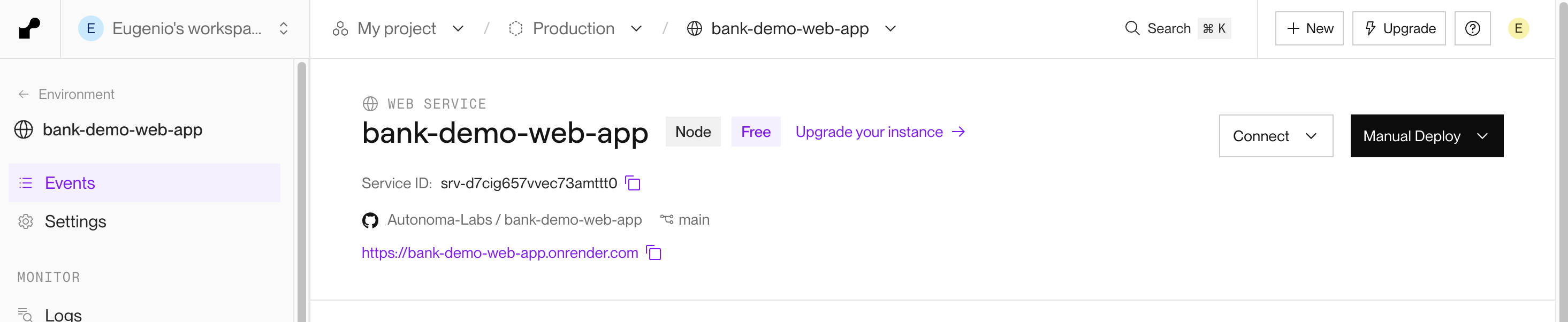
Once connected, every push to main triggers a fresh deployment. The build logs stream in the dashboard, and Render handles rollback if something goes wrong. No YAML sprawl, no Kubernetes configs. Just a repo and a branch.
Step 2: Enable PR Previews
This is where Render earns its place in a serious development setup. PR previews spin up a complete copy of your production service for every pull request, automatically, without any configuration per-PR.
Enable it once in your service settings:
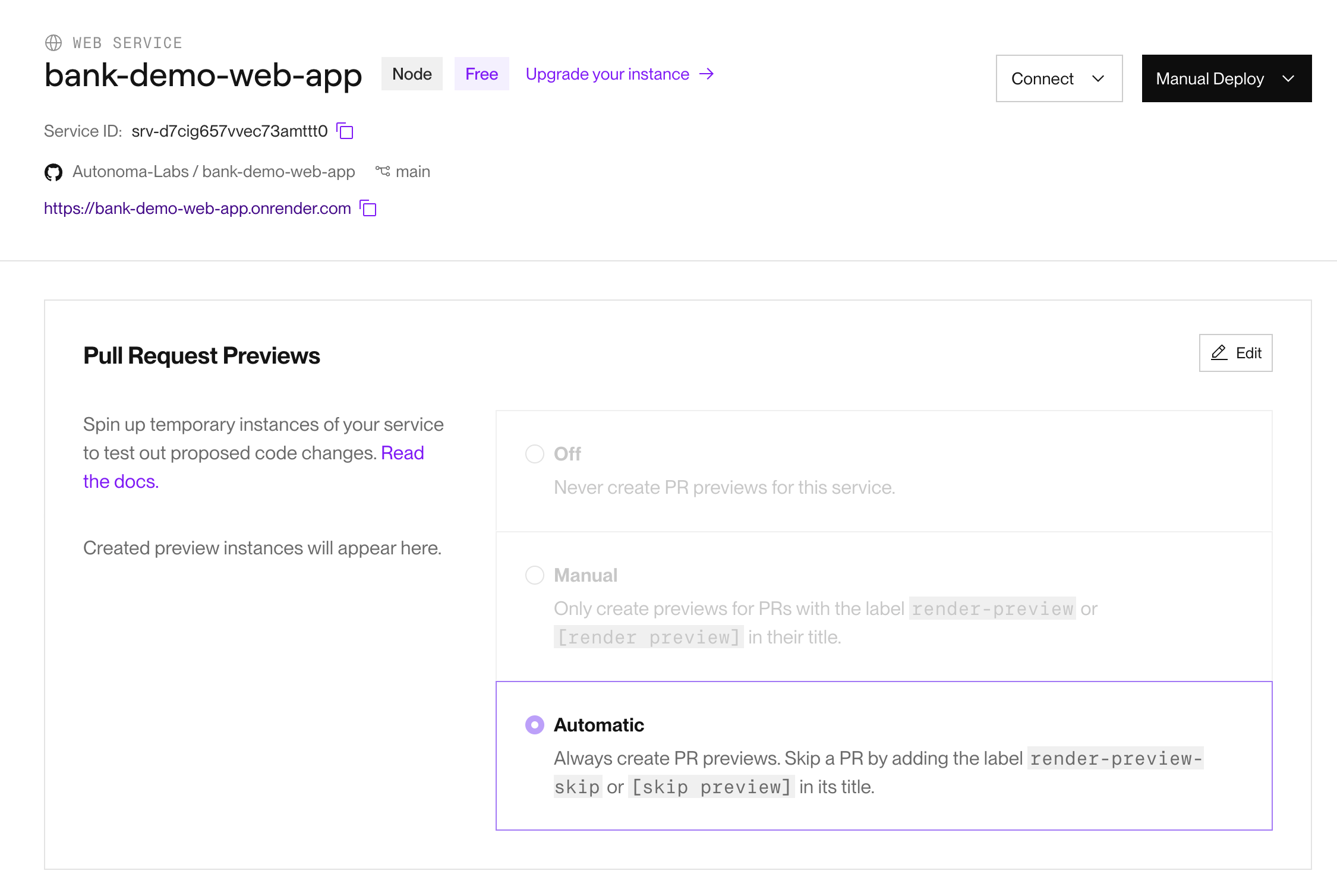
Set it to Automatic and every PR that opens gets its own live URL. It uses the same build process, the same environment variables, the same infrastructure as production. It is not a stub or a mock - it is a real deployment.
The practical value here is significant. Shared staging environments are a constant source of friction: two developers pushing at the same time break each other's work, migrations conflict, test data gets corrupted. PR previews eliminate all of that. Each PR lives in complete isolation. One developer's changes have no effect on another's PR preview.
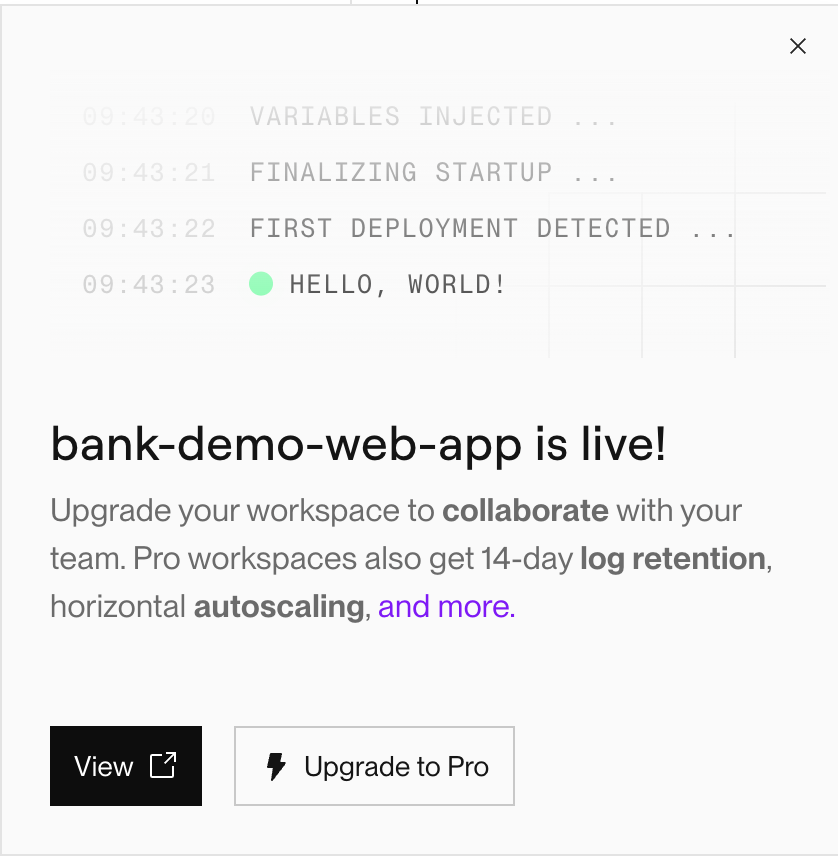
When the build finishes, Render fires a deployment_status webhook. That webhook is the trigger for the next step.
Step 3: Run Autonoma E2E Tests on the Preview URL
Every Render PR preview deployment fires a GitHub deployment status event. You can listen for that event in GitHub Actions and trigger Autonoma to test the new preview.
The GitHub Actions setup looks like this:
name: Run Autonoma Tests

on:
  deployment_status:

jobs:
  run-e2es:
    if: github.event.deployment_status.state == 'success'
    runs-on: ubuntu-latest
    steps:
      - name: Run Tests on Autonoma API
        run: |
          curl -X POST https://api.getautonoma.com/v1/runs \
            -H "Authorization: Bearer ${{ secrets.AUTONOMA_API_KEY }}" \
            -H "Content-Type: application/json" \
            -d '{
              "project_id": "${{ secrets.AUTONOMA_PROJECT_ID }}",
              "environment_url": "${{ github.event.deployment_status.target_url }}"
            }'
It only runs when the deployment status is success, meaning Render has confirmed the build is live. The target_url from the deployment event is the PR preview URL. Autonoma receives it and knows exactly where to send the agents.
What happens next is the part that requires no manual work. Autonoma's agents read your codebase, understand your routes and components and user flows, and execute tests against the live PR preview. The Planner agent builds test cases from your code. The Automator agent runs them against the actual deployed app. The Maintainer agent keeps those tests aligned with your codebase as it changes over time.

The GitHub check shows up on the PR like any other CI check. Green means Autonoma's agents worked through your critical flows on the actual preview URL and found nothing broken. Red means something needs attention before this PR merges.
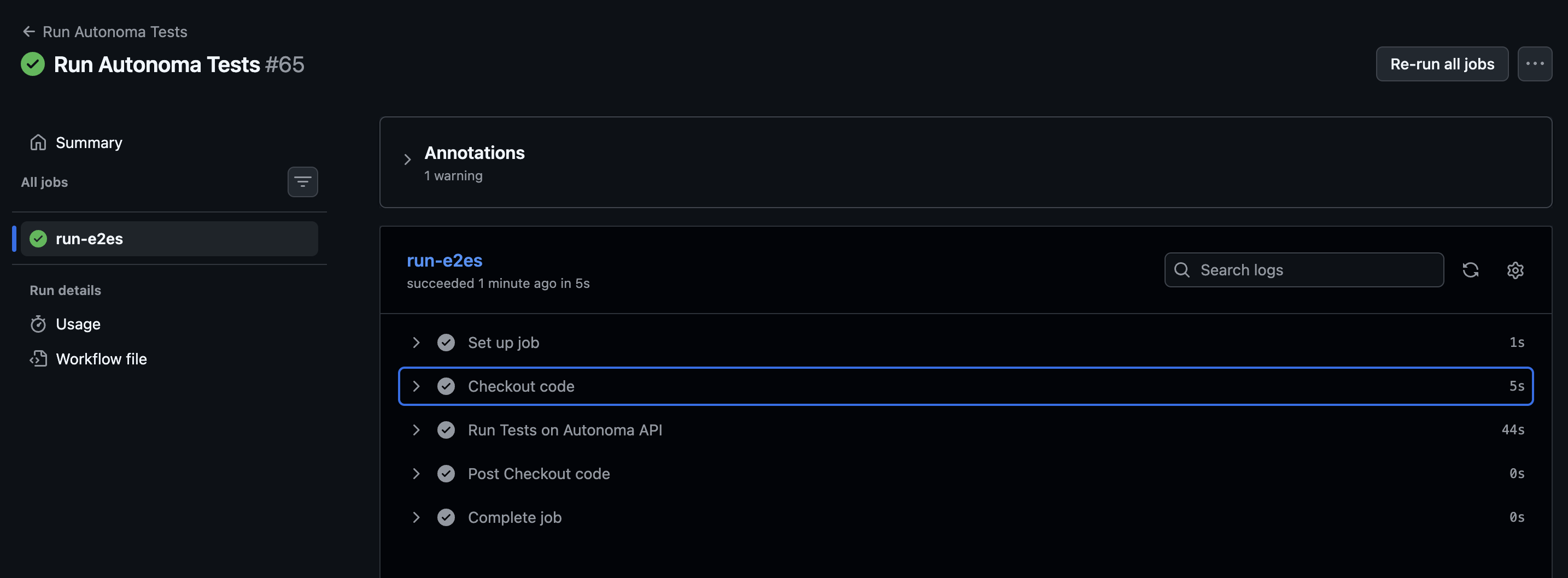
The full test run completes in under a minute in this example. The agents work through login, navigation, data operations - whatever your codebase defines as the critical paths.
Step 4: Iterate Based on What Autonoma Finds
When Autonoma catches something, you get a detailed report: which flow failed, what the agent observed, what the expected behavior was. Fix it in your branch, push the commit, and Render automatically rebuilds the PR preview. The deployment_status event fires again, Autonoma re-runs, and you see updated results.
No staging to reset. No test suite to manually re-run. No Slack message asking "can you take another look at this?" The whole cycle is automatic.
This is what makes moving fast sustainable. The speed comes from not waiting for a QA cycle. The safety comes from AI agents that test the actual deployed code on every push.
Step 5: Merge and Deploy to Production with Confidence
When all checks pass (Autonoma's tests green, code review approved) you merge. Render deploys to production from main.
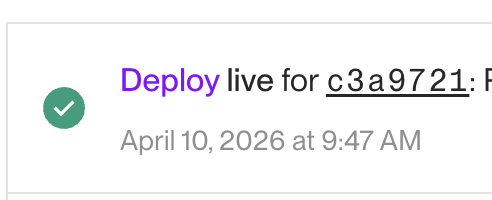
Render's production deployments come with autoscaling, CDN, TLS, and monitoring out of the box. You are not merging and hoping - you are merging knowing that the code was deployed to a real server and tested by agents that understood your application.
The PR preview gets torn down automatically. No cleanup, no orphaned resources.
Can This Work With Render Workflows?
Render launched Workflows in public beta on April 7, 2026. Workflows let you define durable distributed task execution in TypeScript or Python: queuing, retries, state management, parallel execution. Think AI agent pipelines, ETL jobs, billing reconciliation, anything that needs to run reliably in the background.
If you are building agentic applications on Render (and many teams are), Workflows handle the execution layer while Autonoma handles verification. Your AI agents can run background tasks through Render Workflows. Autonoma's agents test the front-end experience those tasks produce. Infrastructure and testing that complement each other.
Why Does This Collab Work?
The reason Render and Autonoma pair well is not just that they connect technically - it is that they solve adjacent problems in the same process.
Render's PR previews answer the question "how do I test my changes in a real environment before merging?" They provide isolation, reproducibility, and automatic teardown. Every PR has a live URL. That is the prerequisite for meaningful testing.
Autonoma answers the follow-up: "okay, I have a live URL - now what?" Writing E2E tests against every PR preview manually is impractical at the pace most teams move. Autonoma removes that constraint. Your codebase is the spec. Agents derive what to test from your routes and components. Tests run without anyone writing or maintaining them.
The combination is a deploy-test-ship loop that was previously hard to close without dedicated QA resources. Builders, indie developers, and small teams can now run the same quality process that large engineering organizations struggle to maintain with headcount.
Push code. Get a PR preview. Get automated E2E tests. Ship with confidence.
If you want to set this up for your own project, connect your repo at render.com and connect your codebase at getautonoma.com. Both have free tiers to get started.


