

CI/CD testing is the practice of running automated checks, linting, unit tests, integration tests, and E2E tests, on every commit or deployment in your pipeline. Most teams have the testing pyramid upside down in CI: dense at the base (linting, unit tests) and empty at the top (E2E tests on preview environments). Adding that top layer is painful because each provider (GitHub Actions, GitLab CI, Bitbucket Pipelines, CircleCI, Jenkins) requires different plumbing, and handling dynamic preview URLs adds another layer of complexity on top. This guide shows provider-specific YAML for each, explains the hard part (dynamic preview URLs), and introduces the simpler path: Autonoma as a post-deploy step that works across any CI provider without managing browser infrastructure.
Most CI/CD pipelines have the testing pyramid upside down. Teams run linters and formatters religiously, have decent unit test coverage, and then stop. The E2E layer, the one that actually proves the app works from a user's perspective, is missing entirely. Not because teams don't believe in E2E testing in CI/CD. Because adding it is painful in ways that compound the longer you wait.
The complexity isn't Playwright's fault. It's the gap between "run tests locally" and "run tests against a deployed preview URL that doesn't exist yet when your pipeline starts." That gap looks different on every CI provider, and most documentation pretends it doesn't exist. This guide doesn't.
For a solid foundation on what E2E testing covers and why it belongs in CI at all, see our automated E2E testing guide before diving into the provider-specific sections below.
Why Most CI/CD Pipelines Skip E2E Tests
The answer isn't laziness. Teams skip E2E in CI for three concrete reasons, and all three are legitimate.
Setup cost per provider. Every CI platform has different YAML syntax, different secrets handling, different artifact storage, and different ways of dealing with preview deployments. Writing a working Playwright job for GitHub Actions doesn't translate to GitLab CI, you rebuild it from scratch. Multiply that by four or five providers across a company's portfolio, and the tax becomes real.
The dynamic URL problem. E2E tests need a running target. In local development that's localhost:3000. In CI against a staging environment it's a fixed URL. But the best place to run E2E tests is against the actual preview deployment for a PR, the URL that only exists after the deployment completes, at an address you can't know in advance. Extracting that URL, waiting for the deployment to be ready, and passing it to Playwright requires platform-specific logic that can easily consume an entire sprint to get right.
Flakiness reputation. E2E tests have a well-earned reputation for being brittle. Timing issues, environment differences, shared state between tests, these cause failures that aren't real bugs, and teams stop trusting the results. Once a CI check is treated as noise, it gets disabled.
None of these are unsolvable. But solving them requires understanding them clearly, which is what the rest of this guide does.
The CI/CD Testing Pyramid in Practice
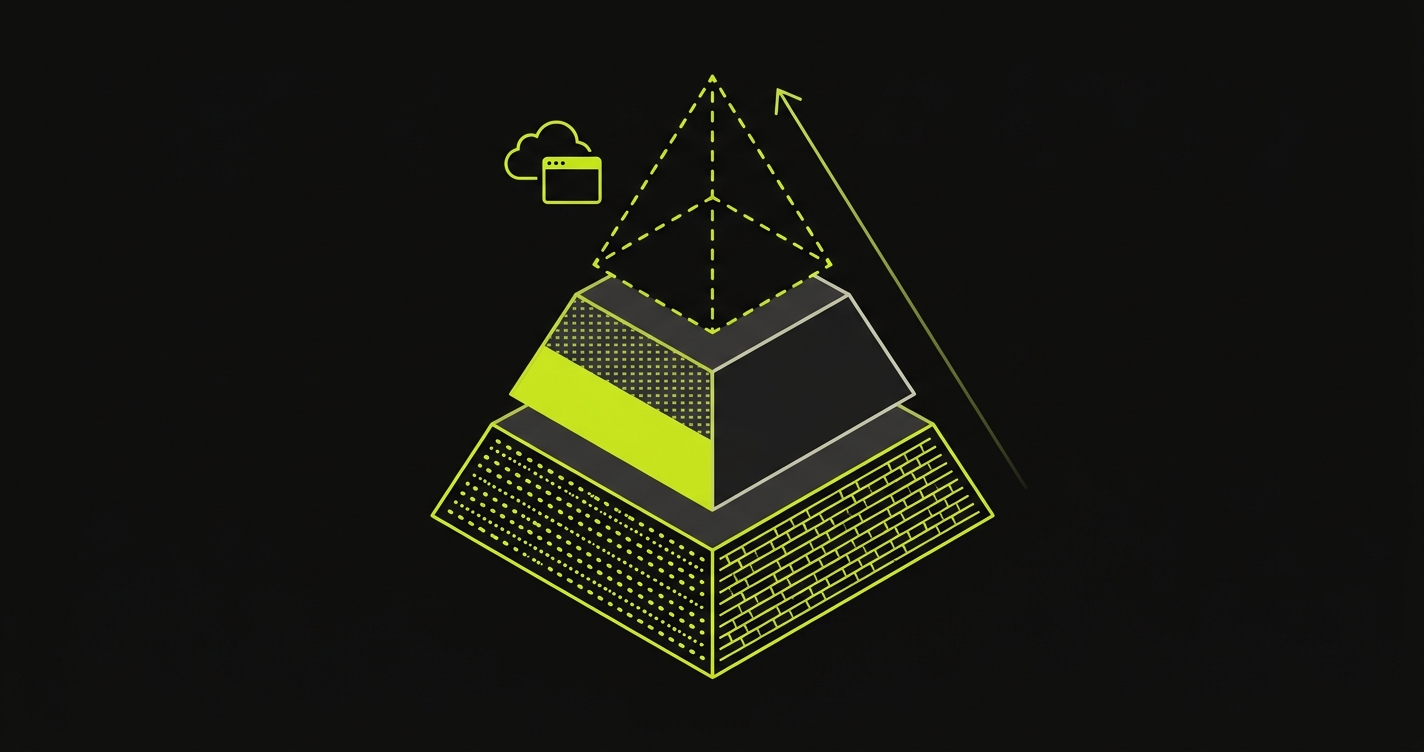
The classic testing pyramid puts unit tests at the base, integration tests in the middle, and E2E tests at the top. In CI, the reality looks different.
Most pipelines have a dense base of linting and formatting (fast, cheap, universally enforced), a moderate middle of unit and integration tests, and then nothing at the top. The E2E tier is where bugs escape to production. Not because the pyramid is wrong, because the top is the hardest layer to add to CI, and it's the last one teams get to.
The healthier shape puts E2E tests on preview deployments: every PR generates a deployed environment, and CI runs E2E tests against that URL before the PR can merge. This catches the bugs that unit tests miss, the ones that require a real browser, real network, real environment configuration. It also catches the bugs that staging misses, the ones caused by code that only exists in this PR.
The challenge is that building this yourself requires solving the pyramid problem at every layer of the CI stack: which provider, which event trigger, how to get the preview URL, how long to wait, how to handle failure. The sections below cover all of it.
Adding Playwright E2E Tests to GitHub Actions
GitHub Actions has the most mature E2E story of any CI provider. The key advantage is the deployment_status event: platforms like Vercel fire this event when a preview deployment is ready, and the URL is in the event payload. No polling, no guessing.
Here's a complete Playwright job that triggers on deployment completion, extracts the preview URL, and runs E2E tests against it:
A few things worth noting. The job filters for github.event.deployment_status.state == 'success' so it only runs against successful deployments, not failed ones. The preview URL comes from github.event.deployment_status.target_url, no API calls, no secrets needed to get the URL. The if: always() on the artifact upload ensures the HTML report is available even when tests fail, which is when you need it most.
One practical speed tip: Playwright downloads browser binaries (~200MB) on every install, which adds roughly 30-60 seconds per job. Cache them by adding an actions/cache step keyed on the Playwright version and pointing at ~/.cache/ms-playwright. On warm cache hits the install step drops to a couple of seconds, and across a day of PRs that's real CI-minutes saved.
For a much deeper walkthrough of every GitHub Actions trigger type, the localhost vs. static staging vs. dynamic preview URL approaches, and the polling logic for non-Vercel platforms, see our Playwright GitHub Actions guide.
Adding E2E Tests to GitLab CI
GitLab CI handles preview URLs through Review Apps, per-branch deployments with deterministic URLs that follow a pattern like https://review-$CI_COMMIT_REF_SLUG.example.com. This predictability makes the E2E job simpler: no event-driven trigger, no URL extraction from a payload. You construct the URL from the branch name.
Here's a Playwright job for GitLab CI that runs against a Review App:
The $CI_ENVIRONMENT_URL variable is the key. When you define a Review App environment in GitLab, this variable is populated automatically with the deployed URL. The test stage depends on the deploy stage, so Playwright always runs against an already-live environment.
GitLab CI gets 400 free minutes per month on hosted runners. For teams already on GitLab, the Review Apps + CI integration is one of the more elegant preview URL solutions available, no webhook wrangling required.
Adding Playwright E2E Tests to Bitbucket Pipelines
Bitbucket Pipelines works with Playwright via Docker images, but the preview URL story requires capturing the URL from your deployment step's output and passing it forward. The approach is to write the preview URL to a file in the deploy step, persist that file as an artifact, then read it in the test step as an environment variable.
Bitbucket Pipelines offers 50 minutes free per month (the most restricted free tier of the group), making it less suitable for long-running Playwright suites without upgrading. For teams on Bitbucket, the practical pattern is to run a trimmed smoke suite on PRs and save the full regression for scheduled nightly runs.
Adding Playwright E2E Tests to CircleCI
CircleCI uses a similar pattern to Bitbucket but expresses it via workflow parameters or environment injection between jobs. The Playwright orb handles the install step, leaving you to wire up deployment-to-test job communication.
CircleCI is more generous than Bitbucket at 6,000 build minutes free per month, which covers most small teams' E2E runs comfortably. Config complexity is medium relative to GitHub Actions. The core YAML concepts are the same; the differences are in how variables pass between jobs and how secrets are managed.
The Hard Part: Dynamic Preview URLs in CI
Every section above glossed over the actual hard part, which deserves direct attention. The easy case is when your CI provider fires an event with the preview URL in the payload, you read it and go. The hard case is everything else.
When your deployment platform doesn't fire a native CI event (or fires it before the server is actually accepting traffic), you need a polling strategy. That looks like: trigger on PR open, kick off the deployment, poll the deployment platform's API every 10 seconds until the status is "ready," extract the URL from the API response, then run Playwright. This is workable but fragile in several ways.
The deployment API response shape changes. The "ready" state definition varies (is it when the build finishes? when the first request succeeds? when health checks pass?). The polling timeout needs to be tuned per-project because some builds take 90 seconds and others take 8 minutes. Concurrency across multiple open PRs can cause workflows to interfere with each other if the URL extraction logic isn't scoped tightly to the current SHA.
We wrote a full deep-dive on all of this in our E2E testing on preview environments guide, including the polling patterns, timeout strategies, and concurrency handling that make this layer reliable.
Here's the comparison across the major providers, how Playwright support, preview URL handling, and integration complexity compare in practice:
| CI Provider | Playwright Support | Preview URL Handling | Autonoma Integration | Config Complexity | Free Tier |
|---|---|---|---|---|---|
| GitHub Actions | First-class (official Microsoft action) | Via deployment_status event, URL in payload, no polling | Official GitHub Action (easiest) | Low | 2,000 min/mo (private repos) |
| GitLab CI | First-class (Docker image, Review Apps) | Via Review Apps, deterministic URL from branch name | API / cURL | Medium | 400 min/mo |
| Bitbucket Pipelines | Docker-based (community images) | Via deploy hook output, capture URL from step stdout | API / cURL | Medium | 50 min/mo (Free plan) |
| CircleCI | Via orbs (Playwright orb available) | Via workflow parameters / deploy job output | API / cURL | Medium | 6,000 build min/mo |
| Jenkins | Via plugin or raw shell script | Via webhook payload or pipeline parameter | API / cURL | High (self-hosted) | Free (you pay for infra) |
Jenkins deserves a note on its own. It's self-hosted, which means the "free tier" cost is actually your infrastructure bill. It also means you own browser installation, runner maintenance, and everything that the hosted providers abstract away. For teams already running Jenkins with a dedicated ops function, the flexibility is worth it. For teams evaluating from scratch, the overhead is real.
The Simpler Path: Autonoma Across Any CI Provider
We built Autonoma specifically for the problem this guide describes: E2E testing as a post-deploy CI step, without the provider-specific plumbing.
The workflow is the same regardless of which CI platform you're on. Autonoma connects to your codebase. Its Planner agent reads your routes, components, and user flows and plans test cases. Its Automator agent executes those tests against a deployed URL. Its Maintainer agent keeps tests passing as your code changes. None of that requires you to write Playwright YAML, manage browser installations, or build URL extraction logic.
On GitHub Actions, we provide an official action. It's a single step:
That step handles everything: waiting for the deployment to be ready, extracting the preview URL, running the test suite against it, and reporting results back to the PR. The AUTONOMA_TOKEN is the only secret you need.
On GitLab CI, Bitbucket Pipelines, CircleCI, and Jenkins, the integration is a cURL call to the Autonoma API. Here's the GitLab CI version, the pattern is identical for the others, just adapted to their variable syntax:
The API call passes the preview URL as a parameter. Autonoma handles the rest: test planning, execution against the live URL, result reporting. No browser binaries to install in the runner, no polling logic to write, no HTML report to upload as an artifact.
The practical difference is visible in the number of YAML lines. The provider-specific Playwright setups in this guide are 50-100 lines each, with a non-trivial fraction of that being URL extraction and polling logic. The Autonoma step is under 15 lines on GitHub Actions and a single cURL call everywhere else.
It also means the E2E layer is no longer something one engineer set up eighteen months ago that nobody else understands. When Autonoma's Planner agent generates tests from your codebase, the test coverage evolves with your code, not with whoever last had time to update the Playwright suite.
E2E in CI is where most teams get stuck, happy to compare your setup with what we've seen work. Grab 20 min with a founder
FAQ
CI/CD testing is the practice of running automated checks, linting, unit tests, integration tests, and E2E tests, on every commit or deployment in your pipeline. Continuous Integration (CI) means every code change is verified automatically. Continuous Delivery (CD) means that verified code can be deployed at any time. Testing is the mechanism that makes both safe.
Create a .github/workflows/e2e.yml file that triggers on the deployment_status event. In the job, install Node and Playwright browsers with npx playwright install --with-deps, extract the preview URL from github.event.deployment_status.target_url, and run npx playwright test with that URL as BASE_URL. For testing against localhost instead, trigger on push and start your dev server as a background process before running tests. See our Playwright GitHub Actions guide for complete YAML.
The approach depends on your provider. GitHub Actions with Vercel: trigger on the deployment_status event, the URL arrives in the event payload. GitLab CI: use Review Apps for deterministic per-branch URLs. Bitbucket Pipelines and CircleCI: capture the preview URL from your deployment step's stdout and pass it as a variable to the test step. Jenkins: receive the URL via webhook payload or build parameter. The E2E testing on preview environments guide covers each in detail.
GitHub Actions has the most mature integration: official Microsoft actions, the deployment_status event for seamless preview URL capture, and 2,000 free minutes per month on private repos. GitLab CI and CircleCI also have strong first-class support. Jenkins works but requires the most manual setup. All platforms can run Playwright, the differences are in how much plumbing you write yourself.
On GitHub Actions, Autonoma provides an official action (autonoma-ai/actions/test-runner@v1) that you add as a single step after your deployment job. On GitLab CI, Bitbucket Pipelines, CircleCI, and Jenkins, Autonoma integrates via a REST API call, a single cURL command that passes your deployed preview URL and triggers the full E2E test run. No browser installation or test writing required.
Three reasons: setup cost (each provider requires different YAML plumbing), the dynamic URL problem (E2E tests need a running target whose address isn't known when the pipeline starts), and flakiness reputation (E2E tests have historically been the most brittle layer). Autonoma reduces all three: no provider-specific plumbing for the URL layer, verification layers that reduce flakiness, and self-healing tests that adapt when the UI changes.
A healthy target is a smoke suite that finishes in 5-10 minutes on PRs, plus a full regression run in 15-30 minutes on main or nightly. Anything longer and engineers start merging without waiting. If your suite is slow, the fastest wins are sharding with Playwright's --shard flag, caching Playwright browsers in the runner, and splitting critical-path smoke tests from full regression.
Yes for a smoke subset, no for full regression. A smoke suite covering critical paths (login, checkout, core workflows) should block merge so obvious breaks don't reach main. A full regression suite should run on main or nightly and surface failures as issues rather than blocking PRs, because occasional flakiness and long runtime will frustrate the team if every full run gates every merge.


