

Shift-left testing is the practice of catching bugs earlier in the development cycle, before they reach production. For small engineering teams at Seed-to-Series-A startups, it means building verification into the PR stage rather than relying on a QA team that doesn't exist yet. The earlier a bug is caught, the cheaper it is to fix, and the less likely it is to become a churn event.
We built Autonoma so a 3-engineer team can have the shift-left coverage that used to require a 30-engineer QA function. The term itself goes back to Larry Smith's 2001 paper, where "shift left" meant moving testing activities toward the left side of the project timeline. Two decades later the principle holds, but the tooling assumption underneath it, a dedicated QA function with test writers and a maintenance team, has not caught up with how Seed-to-Series-A startups actually ship. This article is written for small engineering teams and engineers shipping without a QA hire: the 3-to-6-person shop where everyone reviews code, everyone is on-call, and "we don't have any QA" is not a complaint but a description of the org chart.
Shift-left when you ARE the test team
The standard shift-left pitch assumes there is a QA function to shift. There is a handoff point: dev writes code, QA writes tests, QA runs tests, bugs flow back to dev. Shift left means moving that handoff earlier. Smaller teams, more collaboration, less queue.
That model does not describe a 5-person startup. There is no handoff. The person who wrote the feature is the person who tests it, deploys it, and monitors it. When a bug slips through, "we hear about it real quick" because a customer emails within the hour. The shift-left insight still applies, but the framing has to change: you are not shifting a handoff left, you are building automated verification into a flow that has never had any.
This matters because the cost structure is different. Enterprise teams pay for QA labor to find bugs before release. Small teams pay in churn. A bug that breaks checkout for 20 minutes on a Tuesday doesn't show up in a QA report. It shows up in the cancellation email three days later. The leverage of shift-left testing for startups is not "reduce QA headcount." It is "reduce the probability that a production bug becomes a churned account."
The 4 types of shift-left, reranked for 3-6 person teams
The original taxonomy comes from Arnon Axelrod and later formalized by vendors. Four types are usually listed: Traditional, Agile, Model-based, and Incremental. Most vendors present them in that order, with roughly equal weight. For small teams, the ordering is wrong.
| Type | What it is | Effort to adopt | ROI for 3-6 person teams | Verdict |
|---|---|---|---|---|
| Traditional | Run tests earlier in the sprint, not just at the end | Low | High: immediate feedback without new tooling | Adopt now |
| Agile | Tests written alongside code (TDD/BDD); dev and test happen in parallel | Medium | High: especially for critical paths | Adopt now |
| Incremental | Run a subset of tests on every commit, not just nightly | Low-Medium | Medium: depends on existing test suite density | Adopt later |
| Model-based | Generate tests from formal specs or state machines | Very high | Low: requires formal spec discipline few startups have | Skip |
Traditional and Agile shift-left are the right starting points for small teams. They require the least infrastructure investment and produce the most immediate return. Traditional means running whatever tests you have as early and as often as possible. Agile means writing test cases before or alongside the feature, not after.
Model-based shift-left is not worth the setup cost at this scale. It requires formal specification of system behavior before any code is written. Teams that have shipped a product and are iterating on it rarely have the spec discipline that model-based testing assumes. Skip it.
Incremental shift-left is useful once you have test coverage worth running incrementally. If your test suite is thin, running a subset frequently just catches a subset of nothing.
Local-to-prod: closing the gap
The "local-to-prod" gap is where most small-team bugs live. The code works on the developer's machine. It works in the CI environment. It fails in production because production has different data, different configuration, different third-party state, or a different load pattern that no one modeled.
Shift-left, in practical terms for a startup, is about closing that gap. The smaller the difference between where you test and where you run, the fewer surprises at deploy time. This is why preview environments are a meaningful shift-left primitive: a per-PR environment that mirrors production configuration is closer to "testing in production" than a local dev server running against fixtures.
The preview environment is not a complete shift-left strategy on its own. It solves the environment gap. It does not solve the coverage gap: running no tests against a perfect environment still catches nothing. The full shift-left stack is environment fidelity (preview) plus automated coverage (E2E tests that run against the preview) plus fast feedback (results visible before merge).
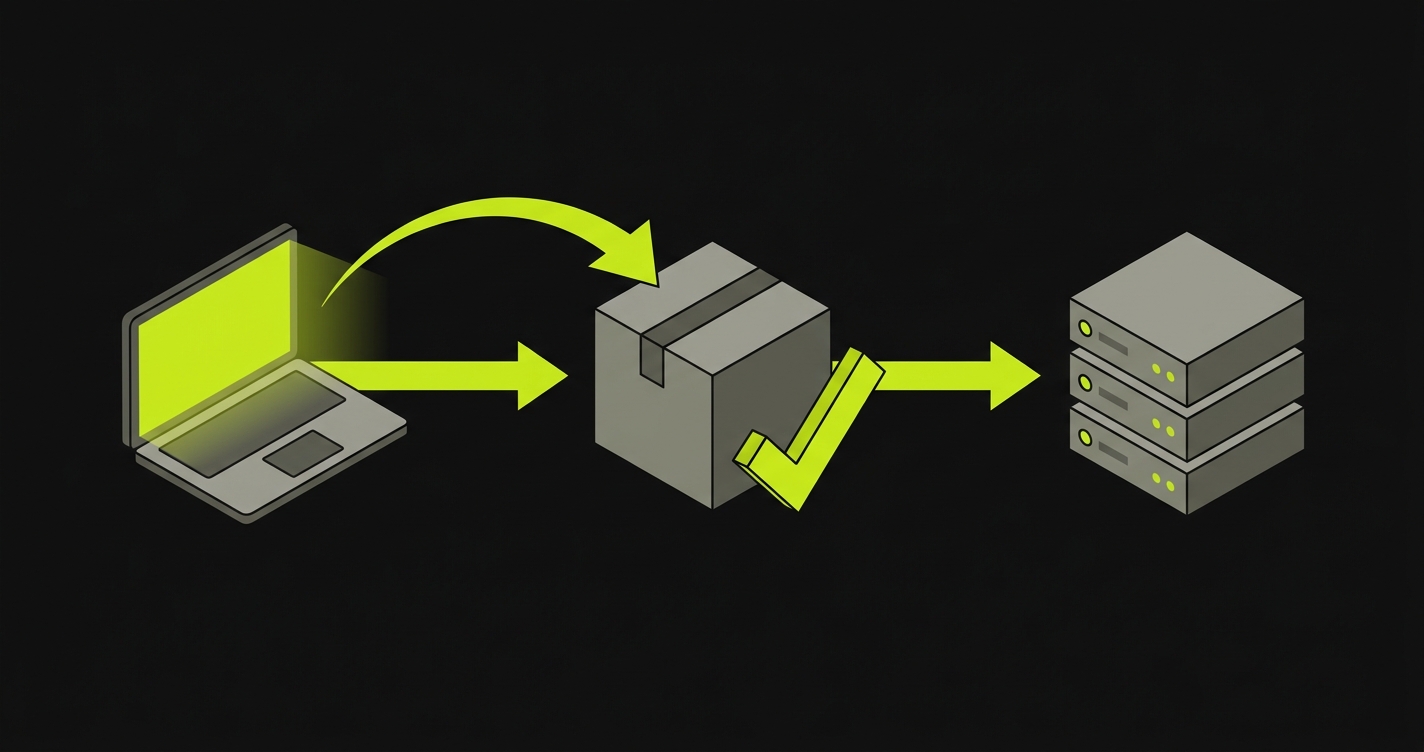
A concrete shift-left stack for 5-person teams
Walk through what a small team actually signs up for if it assembles shift-left coverage manually. There are three layers, and each one quietly hands the team a permanent maintenance surface.
Layer 1: Vercel preview + E2E on preview URL. Every pull request gets a preview deployment, and a GitHub Actions workflow listens for the preview URL and runs E2E tests against it. What the team owns once this is wired up: the workflow YAML and the secrets it depends on, the Playwright suite that runs against the preview, the flaky-test triage when a preview boots slowly, and the policy of which tests gate merge versus which post warnings.
Here is the workflow file you sign up for owning:
Layer 2: Sentry-to-Slack alert routing. Some bugs reach production. Faster production-to-engineer routing compresses the time-to-fix. What the team owns: the Sentry project configuration, the alert rules, the Slack integration, and the ongoing tuning so the channel does not get noisy enough that people mute it.
The minimal Sentry rule, and the configuration the team keeps current:
Layer 3: Coding-agent PR workflow. A developer prompts Claude Code or Cursor to scaffold tests as new code is written. What the team owns: the prompting discipline (every developer, every PR), the review of agent-generated tests, and the corner cases the prompt did not mention (more on this below).
This is the floor of what a manual shift-left stack costs a small team to operate. Nothing in it is unusual or unreasonable. It is just labor that does not go away.
Coding agents at the PR stage
Coding agents like Claude Code and Cursor shift testing left, but only for the scenarios the developer remembered to prompt for. That is the structural limit worth naming.
Prompt the agent with: "Write a Playwright test for the checkout flow: user adds item to cart, enters payment details, submits order, sees confirmation page." The agent produces a test that covers exactly that path. Here is what comes out, and what is missing from it:
The two cases that actually cause production bugs are absent: the payment provider returning a soft decline (card valid but transaction rejected), and the session expiring between cart and checkout when the user is on a slow connection. These corner cases live in customer support tickets, not in the prompt the developer wrote.
The gap is structural, not a prompting failure. The agent only covers what the developer thought to describe. Closing it manually means writing every corner case yourself, every PR, for the rest of the product's life. For the canonical taxonomy of happy-path, sad-path, edge-case, and corner-case coverage, see the full breakdown.
How Autonoma covers shift-left testing
For a small team without QA, the only shift-left approach that survives contact with the next twelve months of product changes is one where no human writes or maintains the scenario library. Everything in the section above is labor that compounds: the workflow YAML, the Playwright suite, the prompting discipline, the corner cases the agent missed. Autonoma is the version of shift-left that runs every PR and does not hand the team that labor.
The four agents map to what each one removes from your team's workload:
- Planner agent. Reads your codebase (routes, components, API endpoints, user flows) and derives the scenario plan from what the code does. No human writes the scenario list.
- Generation agent (Automator). Drives scenarios directly against the running application (in a PR workflow, the preview URL for that branch) through Autonoma's own AI-native runtime. No human writes test code, in Playwright or anything else.
- Replay engine. Reruns the same scenarios deterministically with verification layers at each step. No human chases flakes.
- Reviewer. Posts PR-level pass/fail per scenario, including which corner cases were exercised. No human triages.
Autonoma is not a layer on top of Playwright. It is its own test system: scenarios live inside Autonoma, the runtime executes them directly, and the artifacts the Reviewer surfaces are pass/fail results on those scenarios, not Playwright .spec.ts files.
Tied back to the prior sections: this is what removes the labor that the Vercel workflow plus the Playwright suite plus the prompting discipline imposes on a 5-person team. The preview environment stays. The IDE agent stays. What goes away is the Playwright suite itself and the human-owned scenario library behind it. Autonoma replaces both with its own pipeline, not a wrapper on top of theirs.
Two boundaries worth stating directly. Autonoma does not replace unit tests: classical shift-left includes unit tests written by developers alongside their code, and that discipline stays yours. Autonoma also does not replace post-production observability: Autonoma is pre-deploy, Sentry is post-production, and a complete shift-left posture has both.
The cost-of-defect math for startups
The enterprise framing of shift-left cost math is "$1 to find in requirements, $10 in development, $100 in QA, $1,000 in post-release, $10,000 in production." That framing does not map to a startup.
For a startup, the cost of a production bug is not a support ticket and a hotfix. It is a churn event. If your average contract value is $5,000 per year and a billing bug causes a customer to cancel, that bug cost you $5,000 in annual recurring revenue. It also cost you the lifetime value of that customer's potential expansion, and possibly a reference account. The $10,000 generic multiplier understates the real number for most SaaS businesses.
The math that actually matters for startup shift-left decisions:
One production bug that reaches a customer. Call it a p0: broken checkout, wrong billing charge, data not saved. A realistic churn probability from a p0 is not trivial; customers who hit a serious bug in their first 90 days cancel at elevated rates. If that one bug costs you one customer at $5,000 ACV, that is the cost. One month of Autonoma coverage costs less than that. The shift-left decision is not an engineering decision, it is a unit economics decision.
There is another cost that compounds invisibly: developer time. Every production bug creates an interrupt. Someone investigates logs. Someone writes a hotfix. Someone reviews it. Someone deploys it. On a 5-person team where everyone is also building features, a production incident typically consumes half a day of engineering time across the team. If your team ships two production bugs per sprint, that is one engineer-day per sprint lost to firefighting, every sprint, until someone invests in shift-left coverage.
The "catch bugs before they reach production" goal is not just about product quality. It is about protecting the sprint cadence that keeps a small team competitive.
What shift-left will NOT save you from
Shift-left testing catches bugs in flows you test before they reach production. It does not catch what it does not cover.
Unit test discipline. Autonoma and most E2E shift-left tools do not replace unit tests. If your business logic has subtle off-by-one errors, type coercion bugs, or edge cases in pure functions, unit tests catch those. E2E tests will only catch them if they surface through the UI or API. Write unit tests for the code that matters.
Post-production observability. Shift-left testing assumes you can predict which scenarios matter before a real user runs them. Real users find paths you did not predict. A production monitoring layer, error tracking, and alerting is the complement to shift-left testing, not a replacement for it. Sentry (and its pre-deploy-focused alternatives) is your post-production safety net. Autonoma is your pre-deploy safety net. Both belong in a complete stack.
On-call and incident response. Shift-left reduces the frequency of incidents. It does not reduce the severity of incidents that get through. A clear on-call rotation and a documented incident response process are independent of your testing posture. Teams that invest in shift-left sometimes let on-call discipline slip because bugs become less frequent. That is the wrong trade.
Infrastructure and configuration drift. If your preview environment is not production-shaped, shift-left tests pass against a configuration that production does not share. A test passing against a feature flag that is on in preview but off in production is not a caught bug. It is a deferred bug. Maintaining environment parity is a prerequisite for shift-left testing to mean anything.
Shift-left testing is not a QA strategy. It is an engineering leverage strategy. For a 5-person team, catching one production bug that would have churned a customer pays for a year of tooling investment. The shift-left stack for small teams does not require a QA hire, a test infrastructure team, or a formal testing process. It requires a preview environment with automated E2E coverage, a fast feedback loop from production, and the discipline to run tests before merging.
Autonoma handles the E2E part of that stack automatically: the Planner reads your codebase, the Generation agent builds the tests, and the Replay engine runs them on every PR. For engineers shipping without a QA team, that is the shift-left primitive that changes the unit economics of a production bug.
FAQ
Shift-left testing is the practice of running tests and verification earlier in the development lifecycle, ideally before code is merged rather than after it is deployed. In 2026, the most practical expression for small teams is running E2E tests automatically on every pull request against a preview environment that mirrors production, using tools like Autonoma that generate and maintain those tests from the codebase itself.
Yes, and arguably more than large teams. Large teams have QA engineers whose job is to catch bugs before release. Small teams have no one in that role, so every bug that is not caught pre-deploy reaches a real customer. The cost of a production bug for a startup is frequently a churned account. Shift-left testing is the investment that keeps production bugs from becoming churn events.
Partially. Coding agents like Claude Code and Cursor can generate test scaffolding for new features when prompted, which is a meaningful shift-left contribution. The gap is that they cover the happy path the developer described, not the corner cases the developer did not think to describe. Tools like Autonoma complement coding agents by deriving test coverage from the codebase itself, catching the paths the coding agent's prompt did not anticipate.
Not exactly. Traditional shift-left assumes a QA function exists and moves its activities earlier in the timeline. For small teams without a QA function, shift-left is better framed as building automated verification into the engineering workflow from the start. The goal is the same (catch bugs earlier) but the mechanism is different: automated tooling running on every PR rather than a QA team running a test cycle before release.
No. Autonoma does not replace Sentry, and shift-left testing does not replace post-production observability. Autonoma is pre-deploy: it catches bugs before a PR is merged. Sentry is post-production: it catches errors that reach real users. Both belong in a complete safety net. A team that only has shift-left has no visibility into production. A team that only has Sentry is finding out about bugs from customers instead of from tests.


